Buying your first laptop: a practical guide (new vs used, what specs matter)
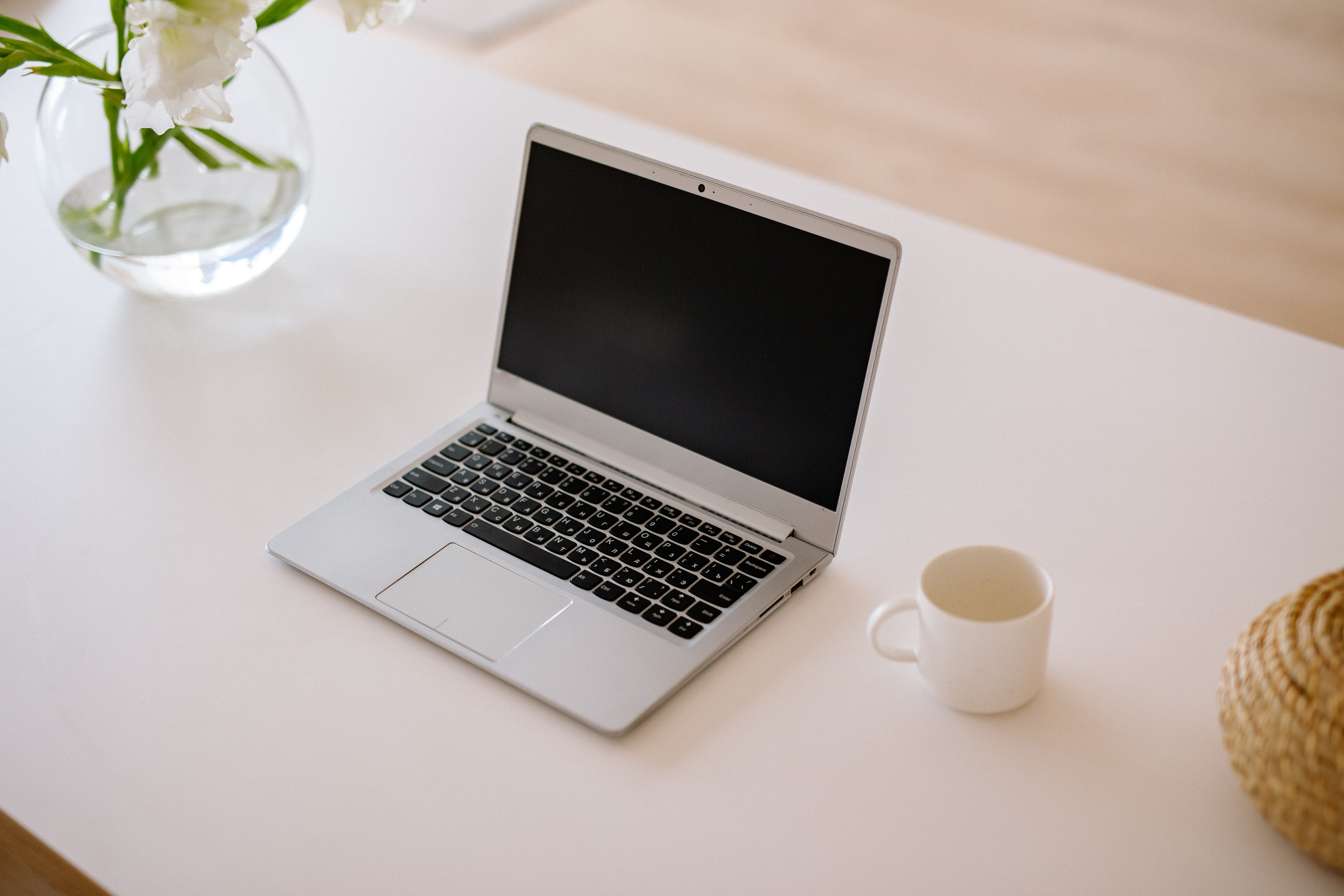
I've helped a lot of people buy their first laptop — students, parents buying for students, small business owners. Almost everyone makes the same two mistakes: they compare laptops by things that don't matter (brand names, screen size) and ignore the one spec that decides whether the machine will frustrate them daily.
The spec that matters most: RAM
If you remember one thing from this article: do not buy a laptop with 4GB of RAM in 2026. It will feel slow the day you buy it and unbearable within a year. Windows alone eats most of 4GB before you open a single program.
- 8GB — the realistic minimum. Fine for documents, browsing, YouTube, online classes.
- 16GB — worth it if you'll do anything heavier: programming, design, lots of browser tabs.
The second thing: SSD, not hard disk
An SSD (solid state drive) versus an old-style hard disk is the difference between a laptop that starts in 15 seconds and one that takes 3 minutes. Many cheap laptops still ship with slow hard disks to hit a low price. A smaller SSD (256GB) beats a bigger hard disk (1TB) for almost everyone. You can store files in the cloud or on a flash drive; you can't make a hard disk fast.
What matters less than people think
- Processor generation — an older Intel i5 will serve a student better than a brand-new budget Celeron. "Newer" isn't automatically better; the tier matters more than the year.
- Screen size — buy what you'll carry. A 14-inch you take everywhere beats a 15.6-inch that stays home.
- Brand — condition and specs beat the logo. HP, Dell, Lenovo — at the same spec level, they're closer than the marketing suggests.
New vs used: the honest answer
A well-kept used business laptop — a Lenovo ThinkPad or Dell Latitude a company retired — is usually better value than a new budget laptop at the same price. Business machines are built to survive years of office abuse; budget consumer laptops are built to hit a price.
If you buy used, check these before paying:
- Battery — unplug it and watch the percentage for ten minutes. Batteries are the first thing to die on used machines.
- Keyboard — type a full sentence. Every key. A dead key is a daily annoyance forever.
- Ports and hinges — plug in a flash drive, open and close the lid a few times. Loose hinges get worse, never better.
- Storage health — if you can, run
wmic diskdrive get statusin Command Prompt, or just notice how fast it boots. - Activation — make sure Windows is genuinely activated, not a trial or a cracked copy that will cause problems later.
Power cuts and laptops
One under-rated advantage of a laptop over a desktop: it has a built-in UPS — the battery. During load-shedding a laptop with a healthy battery keeps working for hours. This is a real productivity argument for choosing a laptop even when a desktop offers more power for the money. It's also a reason to take the battery check seriously when buying used.
The one-line summary
8GB RAM minimum, SSD required, used business laptop over new budget laptop, and test the battery. Follow that and you'll do better than most buyers spending twice as much.
If you've just bought your first laptop and typing with two fingers is slowing you down — that's fixable in a month. Our free typing tutor is where I'd start.